How to Take Better Nail Photos on iPhone for Social Media | Pro Tip


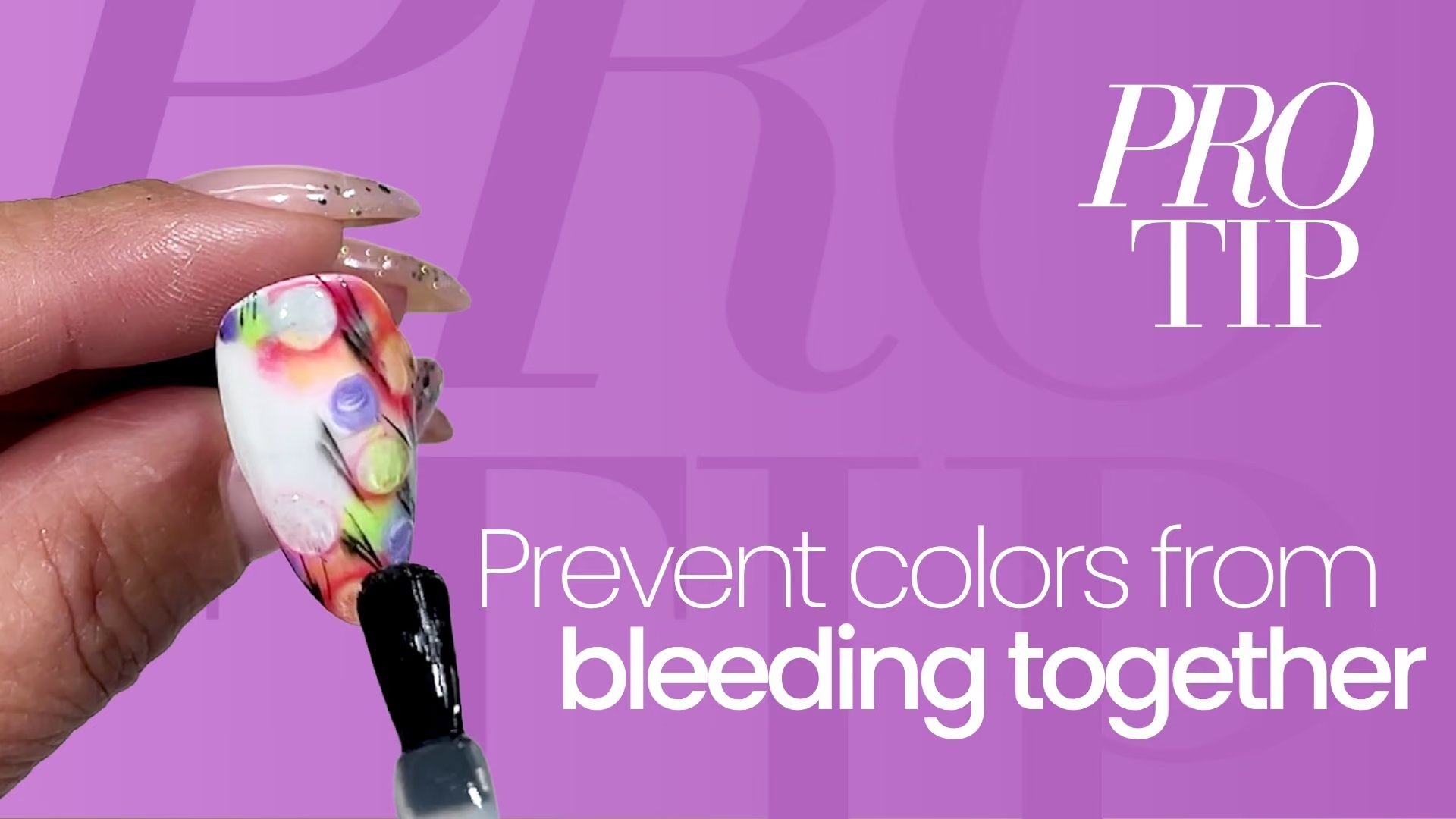
















High-quality photos are essential for showcasing nail work on social media. Whether building a portfolio or attracting new clients, the way your work is presented visually can make a significant difference in how it is perceived.Many technicians rely on their iPhone to capture images of their work, but achieving clean, professional-looking close-ups can be more challenging than it seems. Lighting, focus, and camera settings all play a role in how well details, colors, and structure are captured.One common point of confusion is knowing when to use portrait mode versus standard photo mode. While portrait mode can create a blurred background effect that isolates the subject, it can also soften important details if not used correctly. On the other hand, standard photo mode often provides sharper detail but requires careful positioning and focus to achieve a polished result.In this Pro Tip episode, LA-based professional photographer Lindsey Karnopp explains the key differences between portrait and photo modes and how to use each effectively when capturing close-up nail images.By understanding how each mode affects depth, sharpness, and background, technicians can make better decisions when styling and photographing their work. Choosing the right mode helps ensure that the details of the nail design remain clear and visually impactful.This knowledge allows technicians to elevate the quality of their content without needing professional camera equipment. With just a few adjustments, iPhone photography can produce clean, high-quality images suitable for social media grids and marketing.Pro Tip episodes focus on quick, practical insights that help professionals improve both their technical skills and business presence. In just a few minutes, Lindsey shares valuable advice that can help technicians present their work more effectively online.For technicians looking to grow their brand and attract clients through social media, improving photo quality is a simple yet powerful step toward standing out.
Understand how to use lighting, angles, and camera settings on iPhone to capture clear, professional-quality nail photos for social media.
- Content Creation
- Photoshoots / Fashion Week
- Marketing
More Series